Lyrebird iOS 6 for iPhone/iPod touch
v1.0.1 Released 29 Aug 2026 iPhone · iPod touch · iOS 6
Your Navidrome server on an iPhone or iPod touch still running iOS 6 — albums, artists, playlists, search. And its best trick: tap the download ring and the song lands in the stock Music app itself, artwork and all, playable with Lyrebird closed.
What it is
A client for Navidrome — the self-hosted music server — for iPhones and iPod touches still running iOS 6, where no modern streaming app will install. Your whole library, in the tabs this device already taught you: albums, artists, songs, playlists, search. It is drawn to match the machine it runs on rather than to look like 2026.
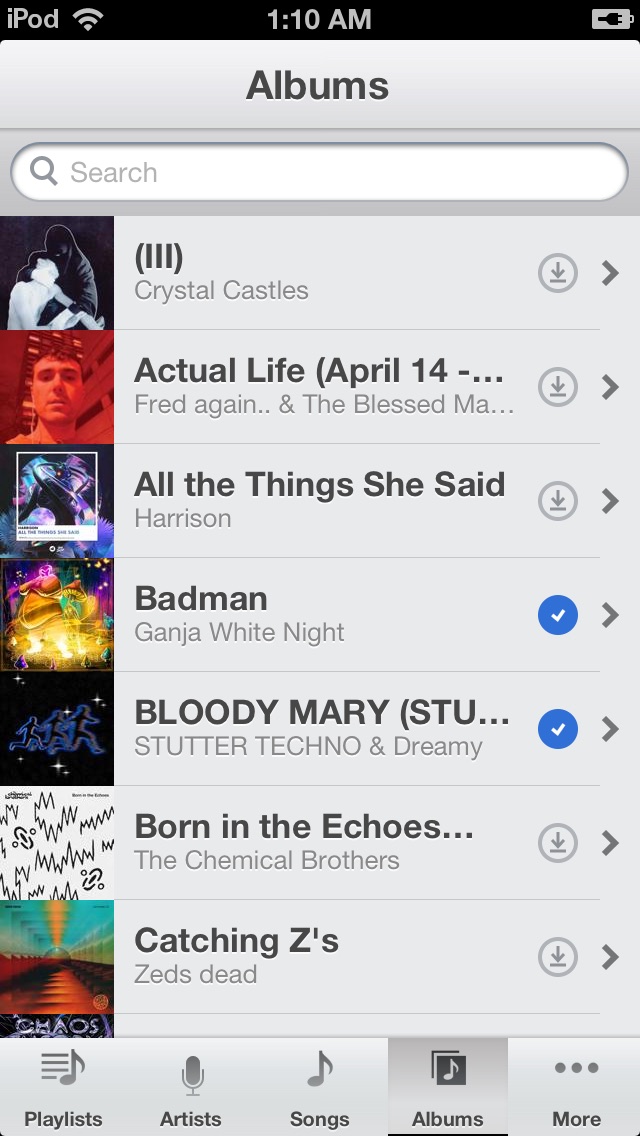 Your own records. The grey ring downloads; a blue check means Music has it now.
The library
- Albums, artists, songs, genres, playlists, search — the whole server, in the tabs the Music app taught everyone.
- Streams over plain http, which is what a 2012 device can actually speak.
- The deck answers the lock-screen and headphone controls, and keeps playing while you do something else.
- Fits the 4-inch iPod touch 5 and iPhone 5, and the 3.5-inch screens before them.
Downloads that land in the real Music app
Tap the ring on a song or an album and it downloads — into the stock Music app, cover art and all.
This is the part that should not be possible. A file dropped into the music database by hand shows up but will not play; iOS keeps a private ledger of what it trusts. Lyrebird instead hands the finished download to the same system service the iTunes Store used, and the device files it exactly as it would a purchase: it plays in Music, on the lock screen, in playlists, with Lyrebird closed. Downloads also play inside Lyrebird itself, offline, and the Downloads screen has pause, resume, and edit-to-delete.
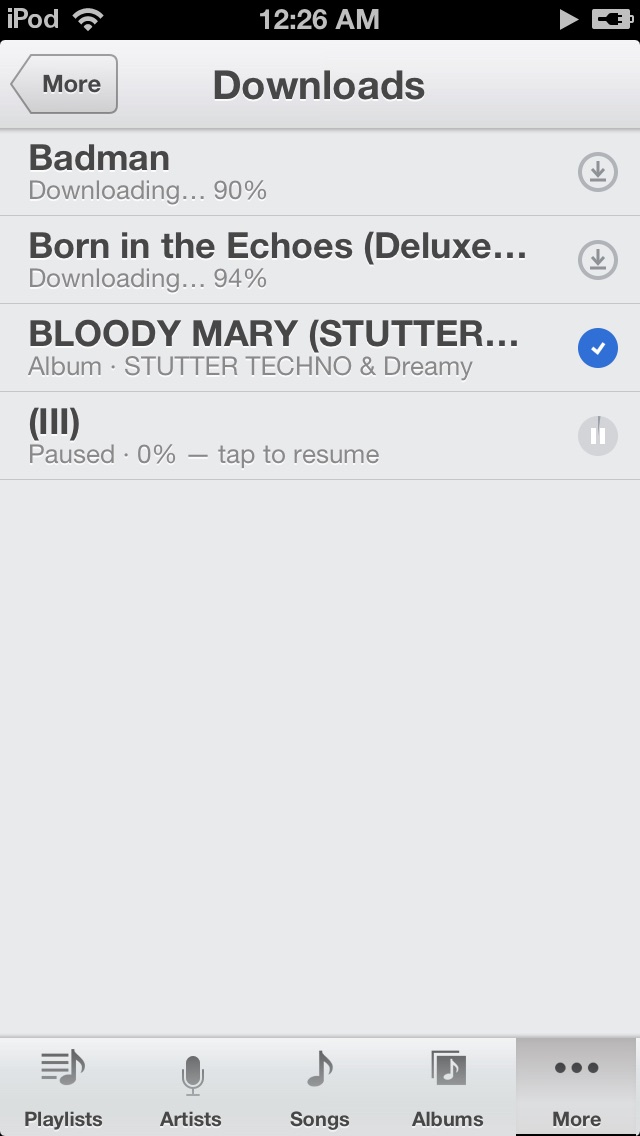 Two albums coming down, one paused. Each row is one tap to pause or resume.
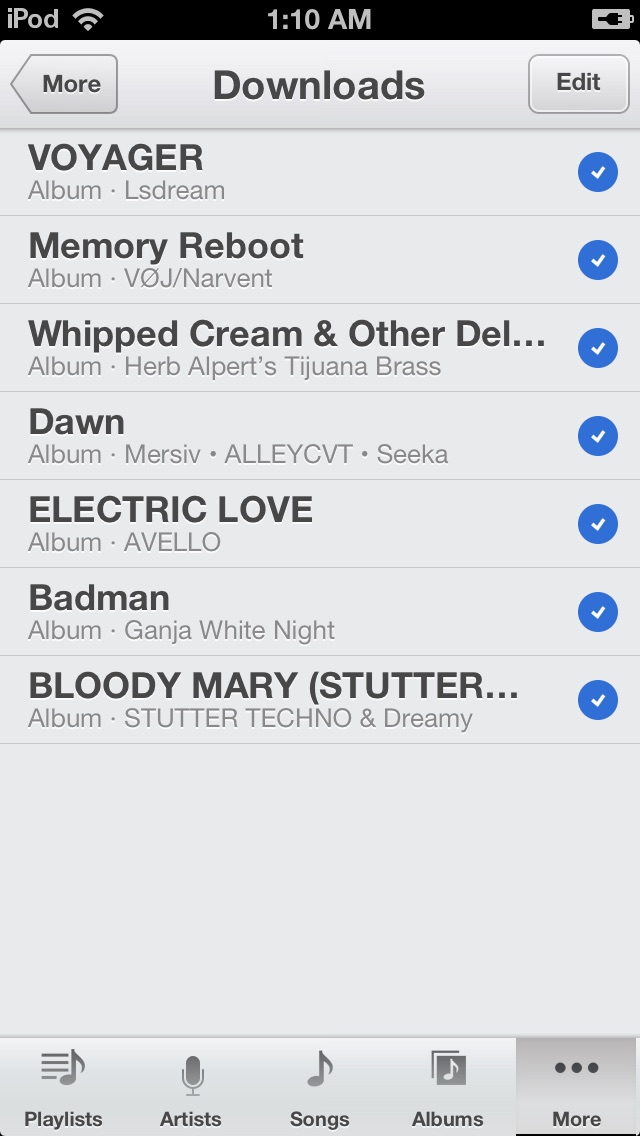 Done means done: every song here is in the stock Music app.
One known quirk
Filing a song into Music can leave a second, empty copy of it there — a ghost with no duration that asks you to “connect to a Wi-Fi network” if tapped. iOS creates it for anything downloaded this way, and it cannot be prevented, so Lyrebird deletes it automatically every time you open the app. If one lingers on a Music screen you already had open, close and reopen Music — or swipe the empty copy and delete it yourself. The real song is never affected.
Your server
Lyrebird speaks the Subsonic API, which Navidrome serves out of the box. Give it an address, a username and a password once, and the tabs fill with your own music — cover art and all. It talks only to the server you name, on your own network, and nowhere else.
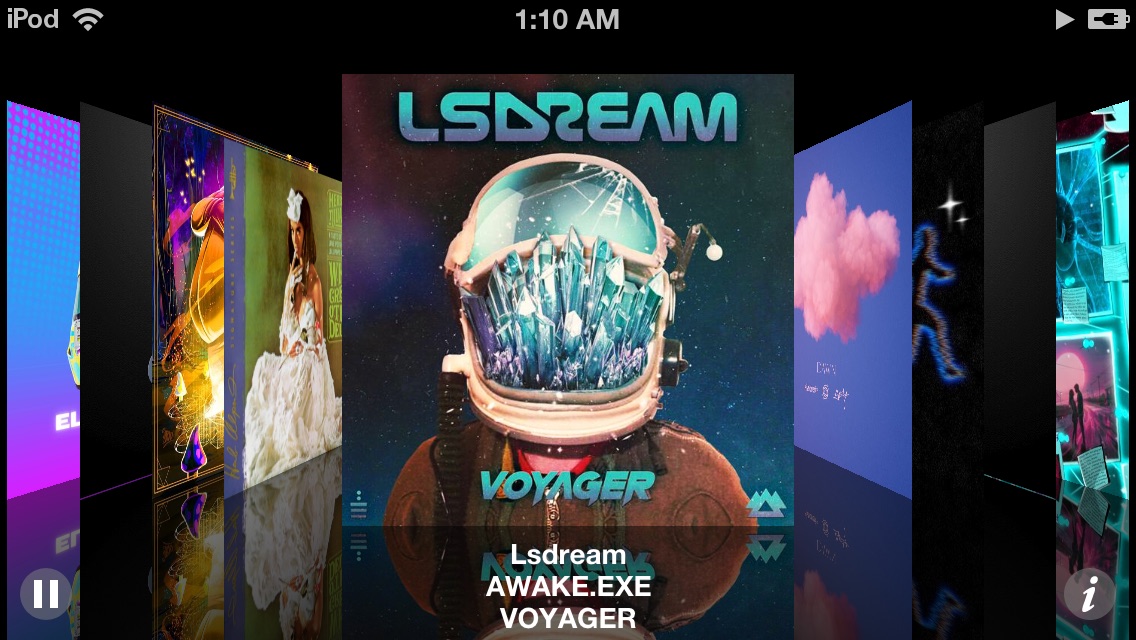 Not Lyrebird — this is the iPod’s own Music app, playing records Lyrebird filed into it.
Compatibility
The jailbreak is not optional and not only about installation: filing
songs into the stock Music app works because the app installs to
/Applications and asks the store service directly, which only a
jailbroken device permits. The binary is armv7 with a deployment target of
iOS 6.0; the Music-app filing leans on how iOS 6 keeps its music
database, so on other iOS versions expect streaming to work and the filing
to be untested.
http://repo.theadipost.com/Installs to /Applications, so it needs a jailbroken device. The songs it filed into Music, and your settings, are left in place if you ever remove it.
Bugs and requests: github.com/adityasreedhar/lyrebird-iphone/issues
Free, with no ads and nothing phoning home. If it earned a coffee: venmo.com/u/Aditya-Sreedhar